Capture, record and post. One Windows app.
Petik captures your screen, records you explaining it, then makes the YouTube and TikTok versions for you: zoomed in where you clicked, with captions. All of it runs on your PC.
Windows 10 and 11, 64-bit.
One recording. Two videos.
Both clips came out of Petik Studio from the same 15-second recording, with no editing by hand.
- Zooms in where you click. Petik notes every click while you record, glides in on it, then back out.
- Captions, word by word. It listens to your voice on your own PC and writes it out in Malay or English. Fix any word, then export.
- Your face, where it fits. On TikTok your camera sits under the screen. On YouTube it stays in its bubble.
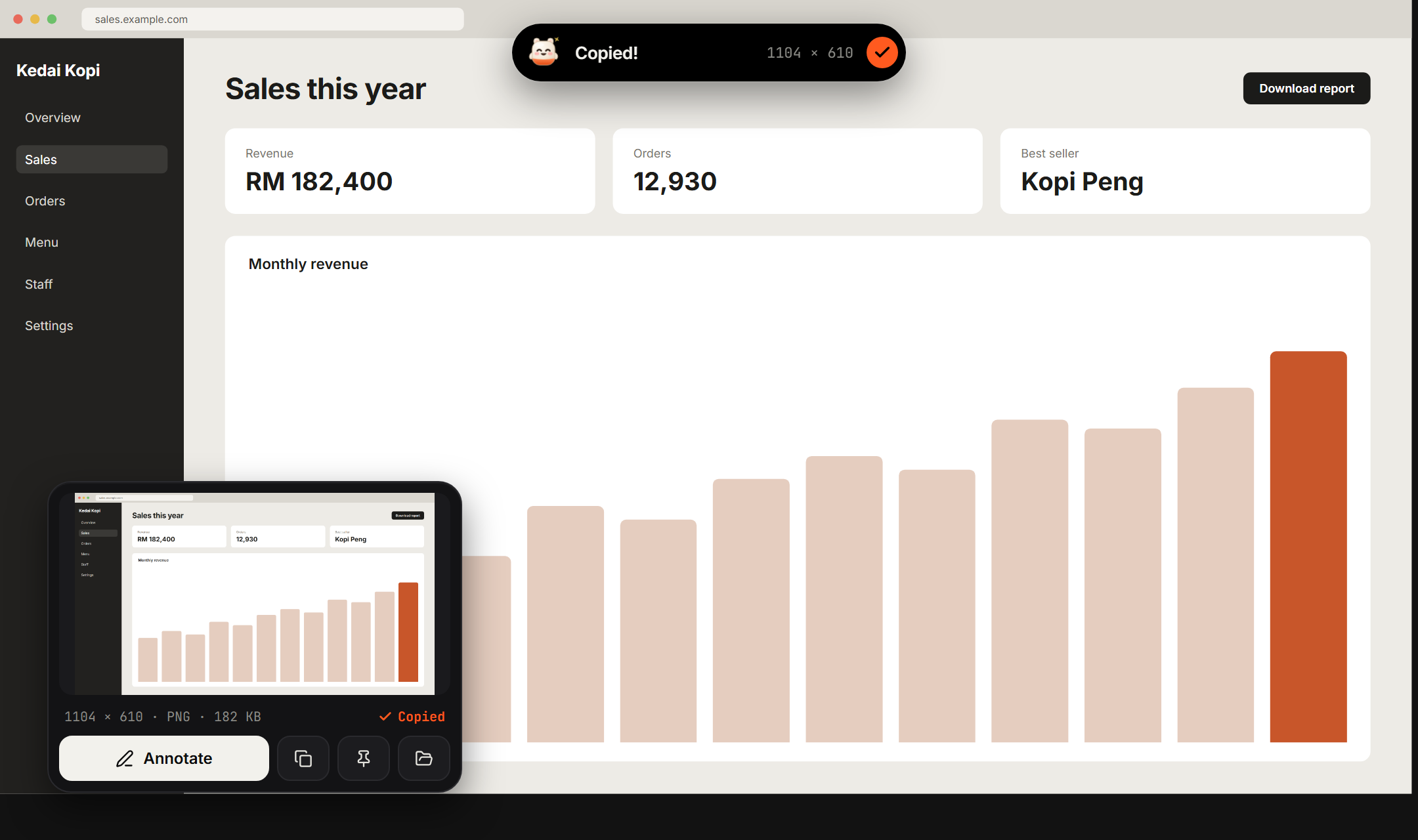
A screenshot in one move.
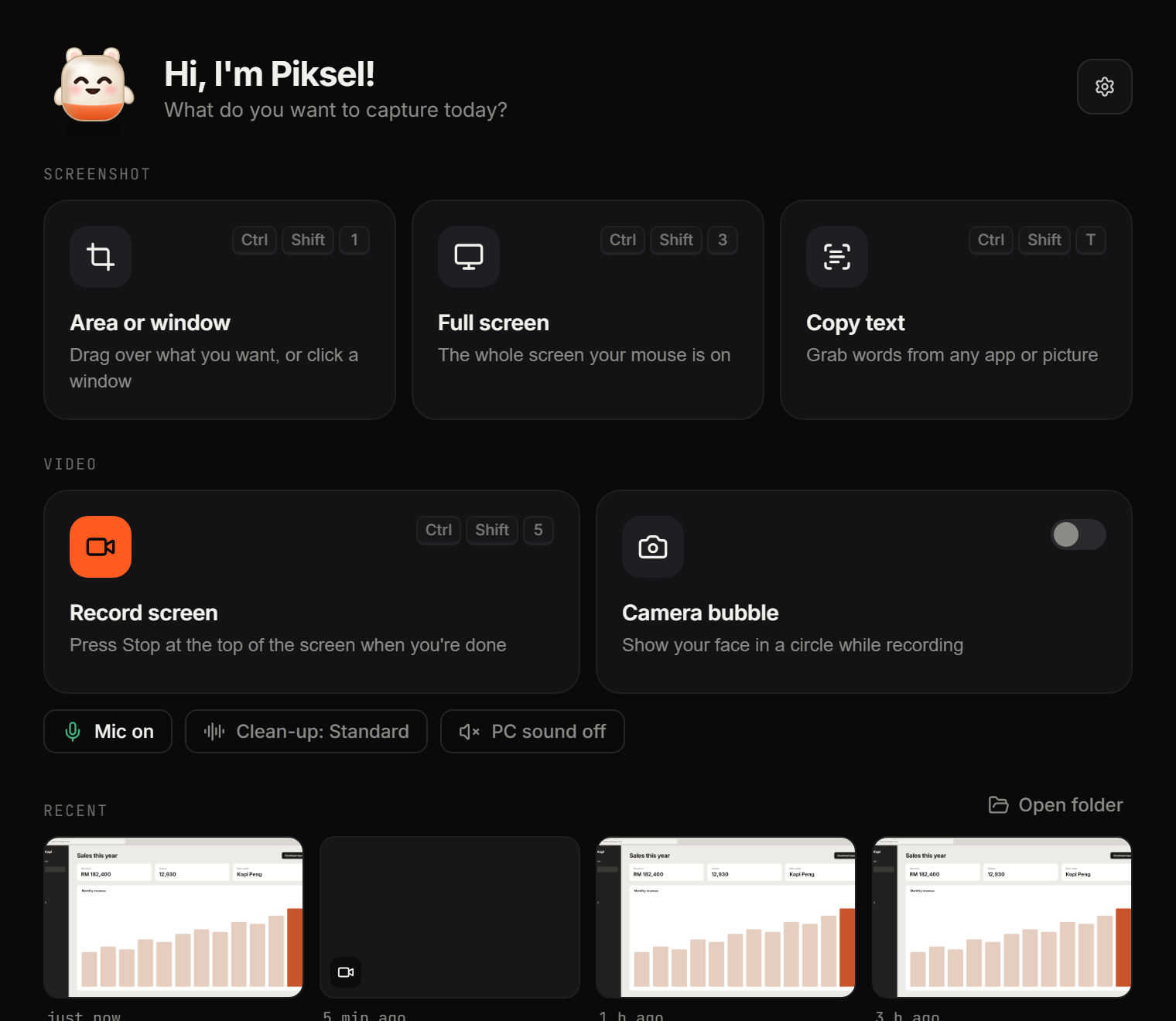
- Drag over an area, click a window, or take the whole screen.
- It is copied the moment you let go. Paste it, or drag the card straight into WhatsApp, Telegram or an email.
- Add arrows, text, highlights and blur. Pin it on top of your work while you type.
- Copy the text out of any app or picture.
- Everything is a button on the Home window. Shortcuts are there when you want them: Ctrl Shift 1.
Sound and camera that look after themselves.
- Voice clean-up takes out fans, aircond and keyboard noise. Strong mode also cuts quieter voices further from the mic.
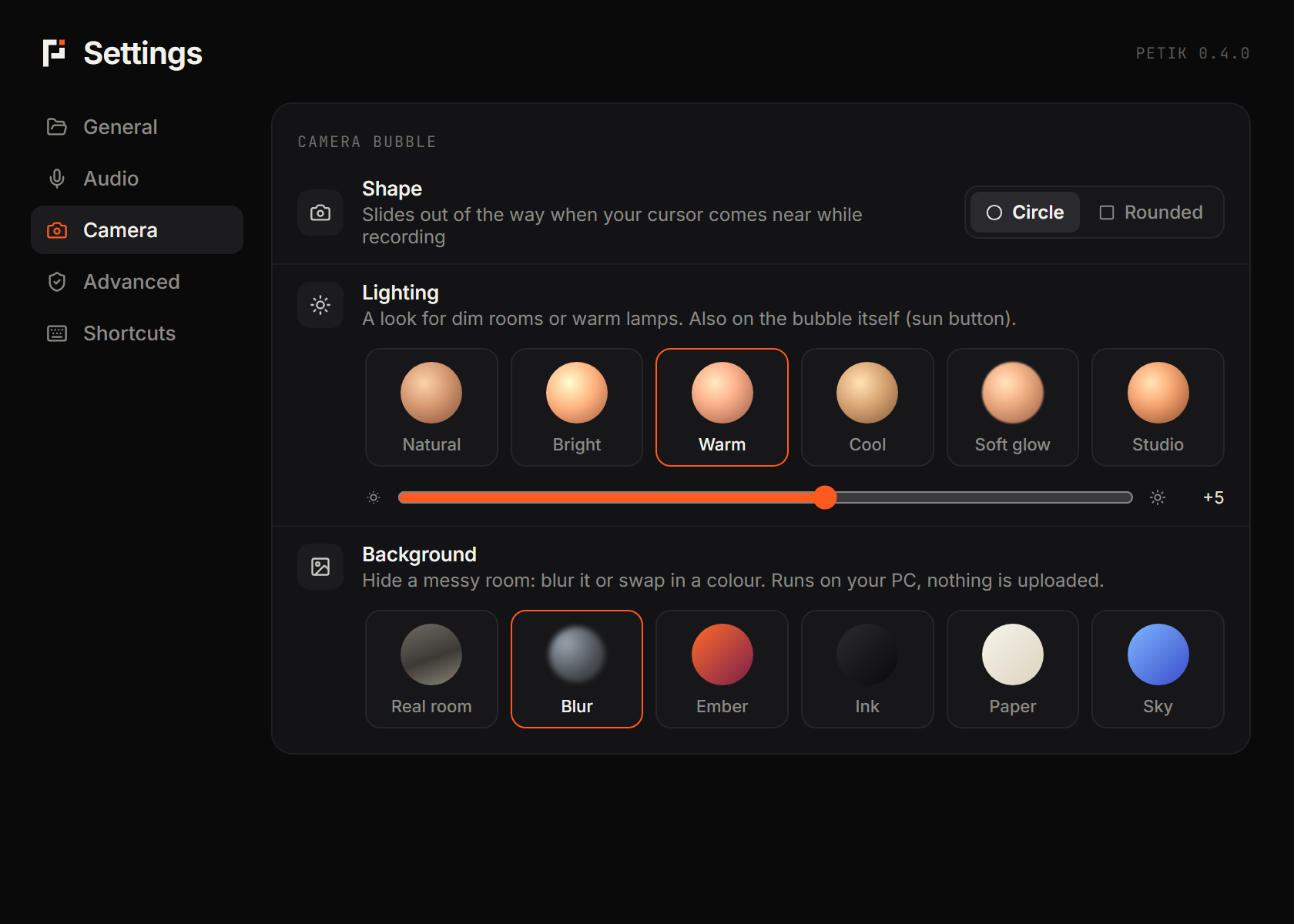
- Lighting looks for a dim room or a warm lamp, and a blurred or plain background for a messy one.
- The camera bubble slides aside when your cursor comes near, so nothing important is covered.
- Save into its own folder in Google Drive, if you use Drive, with nothing else mixed in.
Pre-order Petik
RM29 once
- Petik 0.4 for Windows today: screenshots, recording, Studio and captions.
- Every update after this, at no extra cost.
- Download straight after you pay. The link also works for every update.
Payments go through CHIP, a Malaysian payment gateway.
Before you buy
Petik is new, and made by one person in Malaysia. Windows may show a Windows protected your PC
notice the first time you run the installer, because it is not signed yet. Click More info, then Run anyway. A signed installer is on the way.
Captions need a one-time download of the speech model (about 250 MB) the first time you use them. After that they work offline.
Questions
Does it work on a Mac?
Not yet. Petik runs on Windows 10 and 11, 64-bit, today. A Mac version is planned; write to us if you'd like to hear when it is ready.
Is this a subscription?
No. You pay once, and updates are included.
Are my recordings uploaded anywhere?
No. Captions, voice clean-up and background blur all run on your PC. Your files stay in the folders you choose.
What if it doesn't run on my PC?
Write to us within 7 days of buying and you get your money back. See the refund policy.
Can I use it for work and for clients?
Yes. What you make with Petik is yours.